
Navarro County Warrant Search Tools
There are several official paths, but no single public search spans them all. The Sheriff's Most Wanted page shows a curated program list. Both clerks link a Tyler case portal for criminal, civil, family, and probate records, but it returned HTTP 403 during research, so its live fields and warrant labels remain unknown.
Use a portal as a lead, not a final status decision. A case docket may show an older issuance event without current service or recall information. The clerk or issuing judge can say which status applies.
The county's search boundary matters. A city ticket belongs to that city's Municipal Court; a precinct citation belongs to its JP court.
Searching for a Warrant in Navarro County
Use the event that led to the question to find the likely court. Felony records usually start with the 13th District Court and District Clerk. County Court criminal files go to the County Clerk. A traffic ticket names either a JP precinct or city Municipal Court; those courts keep their own case records.
Have your full name, date of birth, and cause or citation number ready for a direct call. Avoid treating a no-result page as an all-clear. If a possible arrest warrant is involved, ask counsel and the issuing court about the next step before going to a counter.
- Read the issuing court on the citation, summons, or notice and note the case number and appearance date.
- Review the Sheriff's curated list, knowing it has no documented name or case-number search box.
- Call the correct city court or JP precinct for traffic and fine-only cases; the four precincts have separate phone lines.
- For Sheriff-held records, call Administration or submit the written request form by email or fax.
- Use DPS or OmniBase only for a reported FTA/FTP license-renewal hold, then confirm warrant status with the court.
Name, Date, Arrested Are List Controls
The Sheriff's page labels visible options “Name,” “Date,” and “Arrested,” with newest-to-oldest and oldest-to-newest sorting. The inspected interface did not show a text field, date picker, date-of-birth entry, warrant-number field, court filter, or status filter. Do not assume those labels let you search a name.
The table records what the official interface actually exposed and what remains unverified. Tyler's portal is a separate general case search, and its inputs must be checked directly if access returns.
Warrant Search Fields Explained
No official page inspected for Navarro offers a verified countywide warrant-search form. This inventory separates the controls visible on the Sheriff's curated list from Tyler portal fields that could not be confirmed. A clerk can match a case more safely when you supply a citation or cause number.
| Field Label | Type | Required | Notes |
|---|---|---|---|
| Name | List option | Not applicable | Visible on Most Wanted page; no text-entry behavior documented. |
| Date / Arrested | List options | Not applicable | Visible controls, but no field definitions or status meaning posted. |
| Sort order | Link control | Optional | Newest to oldest or oldest to newest. |
| Party name / case number | Tyler portal | Unverified | Portal returned 403 during research; do not infer labels. |
| DOB / court / warrant number | Not observed | Unknown | No field or local warrant-number format was confirmed. |
County Portal Access Returned 403
The Tyler endpoint is linked from both the District Clerk and County Clerk pages. Research could confirm that it is a general county case-record portal, but automated access returned 403. No result limit, account rule, case category, or docket event label can be stated as fact from the available inspection.
When the portal opens, compare any docket entry with the clerk's current case status. A historical “issued” event does not alone show whether process was served, recalled, returned, or quashed.
The official Navarro County public-access portal remains the right county link to try, followed by clerk confirmation if the record is unclear.
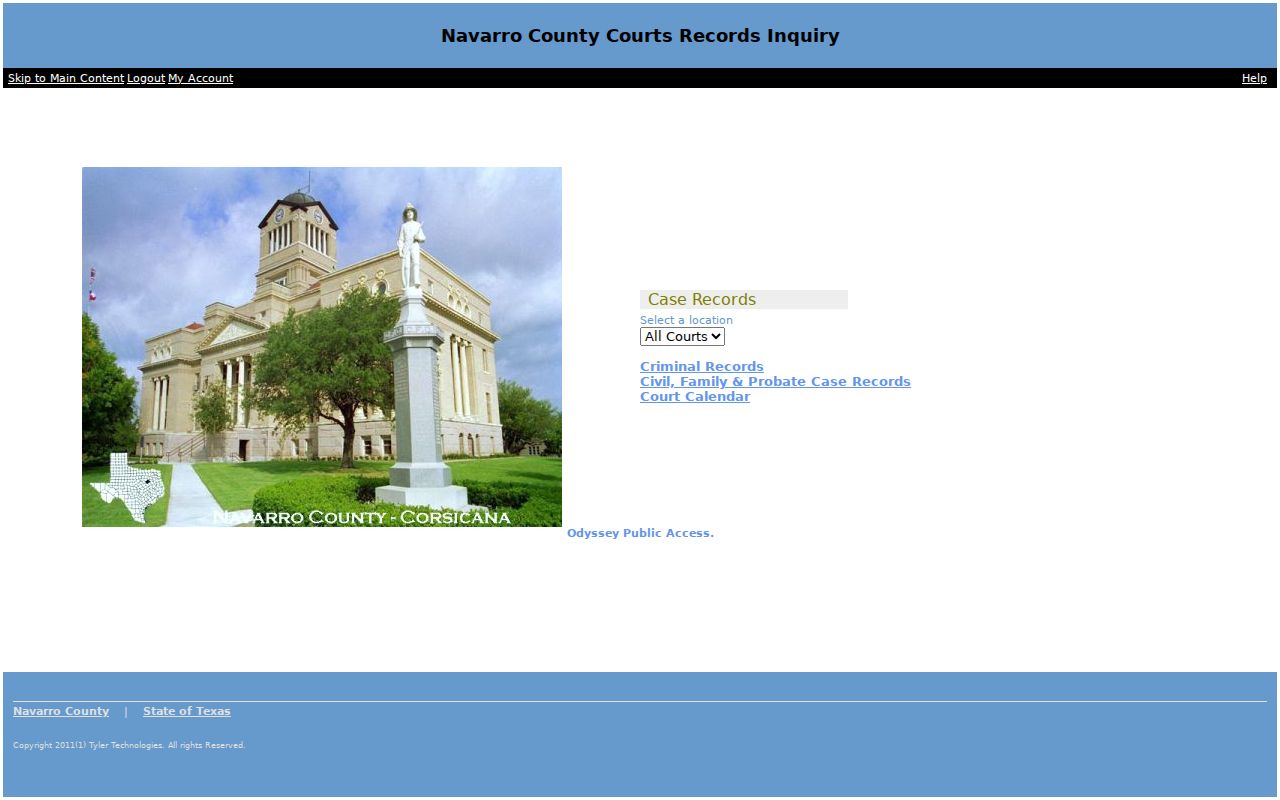
The captured screen documents the portal route, not a warrant result or a person-specific search.
What a Warrant Search Shows
A matched court record may connect the underlying case with a process entry. Navarro County has not published a warrant-number format or a public field inventory for Tyler, so the fields below are questions to ask rather than guaranteed columns.
| Process number | No public format posted |
|---|---|
| Underlying case | Cause or citation number; exact Tyler label is unverified. |
| Issuing court | District, County, JP precinct, or the city on the citation. |
| Process and status | Ask whether it is active, served, recalled, quashed, or only a past docket event. |
| Bond | No public countywide schedule was located; confirm with the court. |
Four JP Precincts and City Cases
Traffic records are split by filing venue. Navarro Justice Courts publish separate contacts for Precincts 1 through 4, even though the offices share a location. Call the precinct on the citation: 903-654-3055, 903-654-3058, 903-654-3063, or 903-654-3060. A municipal citation belongs to the named city court, not whichever city counter is closest.
The official Justice Court page links ticket payment and reply forms. Its afternoon hours differ from the 2026 form, so verify before visiting. City courts publish separate routes for Corsicana, Kerens, Rice, Blooming Grove, and Dawson.
The JP form asks for a ticket number, plea choice, signature, contact details, citation copy, and valid driver's-license copy. Review the 2026 reply form before mailing a response.
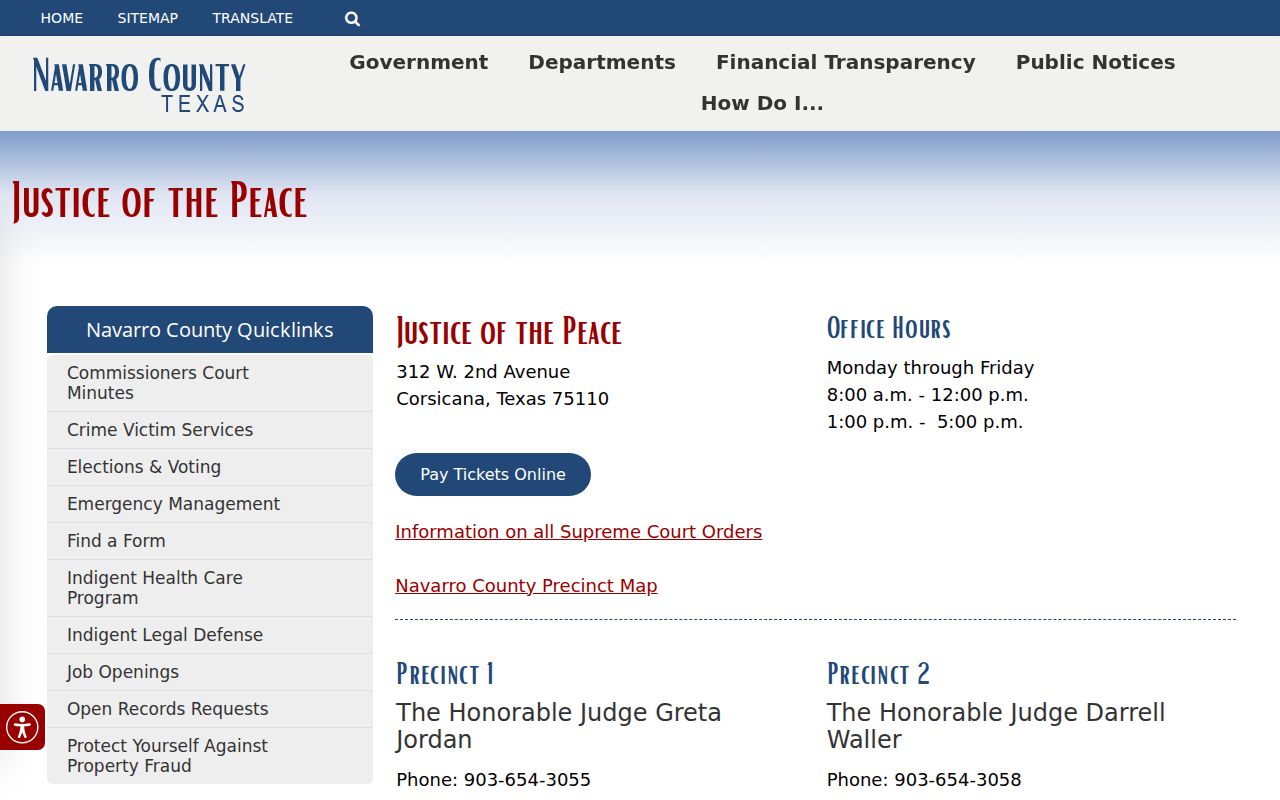
Each precinct has its own direct line, which makes the court printed on the citation essential.
Where to Check Warrants in Navarro County
For Sheriff-held process, call Administration at 903-654-3002; the published 24-hour line is 903-654-3001, not a dedicated warrant extension. Felony case files go to District Clerk Joshua B. Tackett's office at 903-654-3040. County Court criminal records go to County Clerk Sherry Dowd's criminal department at 903-654-3035.
For a formal Sheriff request, email records@ncsotx.org or fax 903-654-3044. The agency says requests must be written and warns against sending sensitive data in plain-text email. Ask for releasable records about your own case, not a roster.
OmniBase Holds and Warrants Differ
Texas has no single public statewide warrant-search database. DPS and OmniBase handle a participating court's FTA/FTP report that can block license renewal; OmniBase says its program does not contain warrant information. A hold may be present without showing an arrest warrant, and a clear hold result cannot establish that no local process exists.
| Question | First contact | What to confirm |
|---|---|---|
| Warrant status | Issuing court, then Sheriff | Process type, current status, and court action |
| Renewal hold | Reporting court, then DPS/OmniBase | Clearance report and update timing |
| Federal process | Federal court or counsel | Jurisdiction and next official contact |
DPS describes the renewal-hold process; its stated update window is three to five business days after court reporting, not a warrant-status promise.
Restricted Warrants and Access Rules
The Texas Public Information Act covers releasable government information, not automatic access to every warrant or attachment. Chapter 552 permits withholding or redaction of confidential, juvenile, sealed, or certain active-investigation material. A written request may be routed to the agency or court that holds the record.
Key Rules:
Texas Government Code §§552.101 and 552.108 address confidential information and law-enforcement records that may be withheld.
Code of Criminal Procedure Chapter 15 governs arrest-warrant procedure; it does not make every sealed or unserved record visible.
A missing entry on the Sheriff's curated list or an unavailable portal is not proof that no process exists. Confirm with the issuing court.